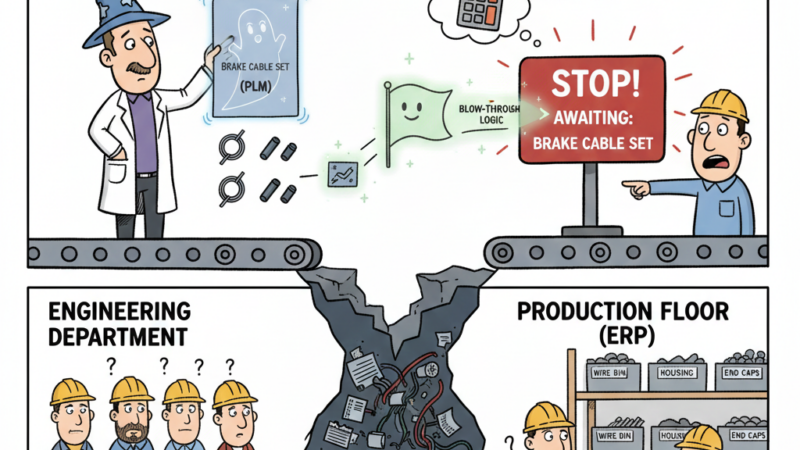
Ah, the humble spreadsheet. For decades, it’s been the unsung hero of countless businesses, a versatile digital Swiss Army knife for everything from tracking finances to managing customer lists. And in the world of product development, Excel has long been the go-to for engineering BOMs, project plans, test results, and supplier lists. It’s familiar, flexible, and seemingly free.
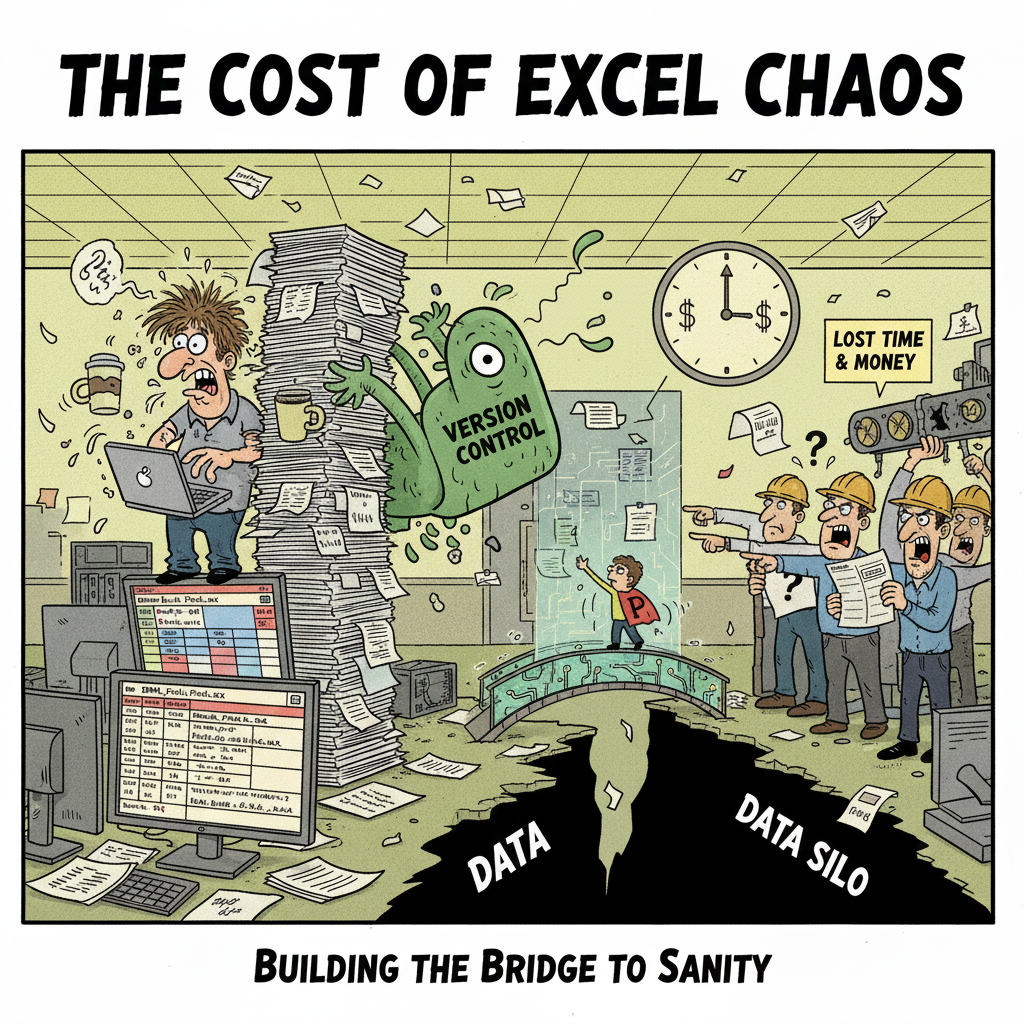
But let’s be honest. That familiar comfort has a dark side. What starts as a convenient tool often morphs into what I like to call “Excel Chaos” – a sprawling, unmanaged ecosystem of disparate spreadsheets that quietly drains resources, introduces errors, and ultimately stifles innovation.
If your product development process still largely revolves around a labyrinth of Excel files, it’s time for a candid conversation. Because in today’s world of escalating product complexity, global supply chains, and rapid iteration cycles, “Excel Chaos” isn’t just inefficient; it’s a significant, often invisible, cost.
The Allure of the Spreadsheet: Why We Get Hooked
Before we dissect the problem, let’s acknowledge why Excel is so pervasive in product development:
- Low Barrier to Entry: Anyone can open a spreadsheet and start typing. No complex software to learn (initially, anyway).
- Flexibility: Need a new column? Add it. Want to change a formula? Go for it. This adaptability is powerful.
- Perceived Cost Savings: It’s “free” with Microsoft Office, so why invest in dedicated software?
These advantages are real, especially for small teams or simple products. But as products become more complex, teams grow, and regulations tighten, these strengths quickly become critical weaknesses.
The Seven Deadly Sins of “Excel Chaos”
“Excel Chaos” isn’t a single issue; it’s a constellation of problems that compound over time.
1. The Version Control Nightmare
Picture this: You have “BOM_Final_v2.xlsx,” “BOM_Final_v2_MarcusEdits.xlsx,” “BOM_Final_v2_ReallyFinal.xlsx,” and “BOM_Final_v2_ReallyReallyFinal_ApprovedbySusan.xlsx.” Which one is the actual truth?
This isn’t just an annoyance; it’s a recipe for disaster. Manufacturing using an outdated BOM leads to expensive rework, scrap, and production delays. Imagine ordering thousands of a component based on an old revision!
2. The Data Integrity Abyss
Manual data entry is prone to human error. A typo in a part number, a miscopied quantity, or an inconsistent unit of measure can have cascading effects. Formulas break. Links to other spreadsheets go dead. And when you need to combine data from different files, inconsistencies abound. You spend more time validating data than actually using it.
3. Collaboration Breakdown (or the “Email-and-Merge” Hell)
Sharing spreadsheets often involves emailing attachments, leading back to the version control nightmare. Two engineers can’t simultaneously work on the same BOM without locking each other out or risking overwrites. “Merging” changes from multiple copies is a frustrating, error-prone task that eats up valuable engineering time.
4. Lack of Traceability and Audit Trails
Who changed what, when, and why? With Excel, figuring this out is nearly impossible. This isn’t just a best practice; it’s a critical requirement for regulatory compliance (e.g., medical devices, aerospace) and intellectual property protection. Without a clear audit trail, proving due diligence or understanding the evolution of a design becomes a monumental task.
5. Security Vulnerabilities
Sensitive product data, intellectual property, and supplier information can be scattered across unsecured shared drives or individual computers. If an employee leaves, or a laptop is lost, critical information might walk out the door or be exposed. Dedicated systems offer far more robust access control and data encryption.
6. Inability to Scale and Connect
As your product portfolio grows, and your supply chain expands, managing hundreds or thousands of parts across dozens of spreadsheets becomes a logistical impossibility. You can’t easily link a part in your BOM to its supplier information, purchasing history, or associated test data without heroic manual effort. The “big picture” vanishes.
7. The Hidden Cost of “Heroic Efforts”
This is perhaps the most insidious cost. How much time do your highly paid engineers, project managers, and operations staff spend:
- Searching for the “right” file?
- Manually updating multiple spreadsheets?
- Reconciling conflicting data?
- Fixing errors caused by manual processes?
This “hidden work” isn’t free. It’s billable hours diverted from innovation, problem-solving, and strategic initiatives. It’s the opportunity cost of what your team could be achieving if they weren’t drowning in administrative overhead.
The Path Forward: Investing in Product Data Management (PDM) and PLM
The antidote to “Excel Chaos” isn’t more disciplined spreadsheet use; it’s a move to dedicated Product Data Management (PDM) and Product Lifecycle Management (PLM) systems. These systems are designed from the ground up to manage the complexity that product development entails.
They offer:
- Centralized Data Repository: A single, secure database for all product-related information.
- Robust Version and Revision Control: Every change is tracked, and previous versions are always accessible.
- Automated Workflows: Formalized change processes, review cycles, and approvals.
- Enhanced Collaboration: Multiple users can work on the same data concurrently without conflicts.
- Traceability: A complete audit trail of who did what, when, and why.
- Integration: Connects with CAD systems, ERP, and other enterprise software, creating a true “single source of truth.”
- Security: Granular access control ensures only authorized users see specific information.
- Scalability: Designed to handle thousands of parts, complex BOMs, and growing data volumes.
Building Your Case: It’s About More Than Just Software
When presenting the case for moving beyond spreadsheets, frame it in terms of business value:
- Reduced Risk: Minimize costly errors, rework, and compliance failures.
- Accelerated Time-to-Market: Faster development cycles mean getting products to customers sooner.
- Improved Quality: Consistent data leads to better designs and fewer production issues.
- Increased Engineer Productivity: Free up valuable engineering time for innovation, not administration.
- Enhanced Collaboration: Empower your distributed teams to work together seamlessly.
- Better Decision-Making: Access to accurate, real-time data for informed choices.
The cost of PDM/PLM software isn’t an expense; it’s an investment that pays dividends by mitigating the insidious, often overlooked, costs of “Excel Chaos.” It’s an investment in your company’s future, enabling you to build more complex, innovative products faster and with greater confidence.
Are you ready to untangle your product data from the spreadsheet web and truly empower your team? What’s the biggest “Excel Chaos” headache your team faces today?