Supercharge Your Sprints: The AI-Integrated Sprint Planning Template
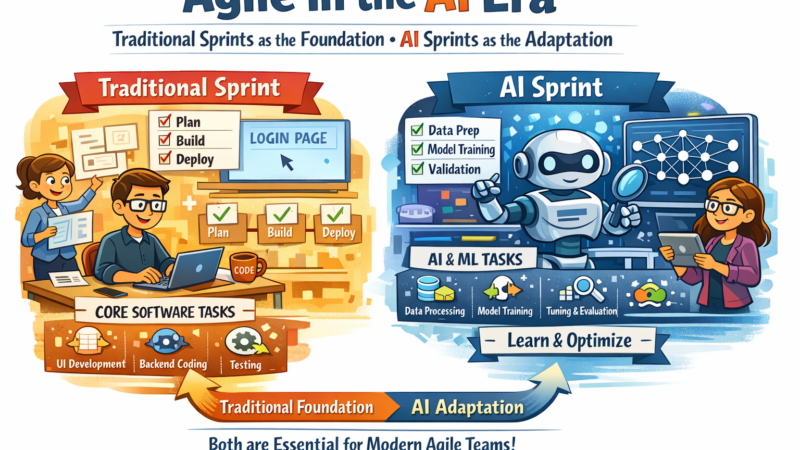
In the fast-paced world of product development, traditional Sprint Planning can sometimes feel like a drag. Hours spent meticulously grooming backlogs, estimating tasks, and trying to predict the future can drain energy before the sprint even begins. But what if you could offload the mundane, data-heavy tasks to an intelligent assistant, freeing your team to focus on strategic thinking and creative problem-solving?
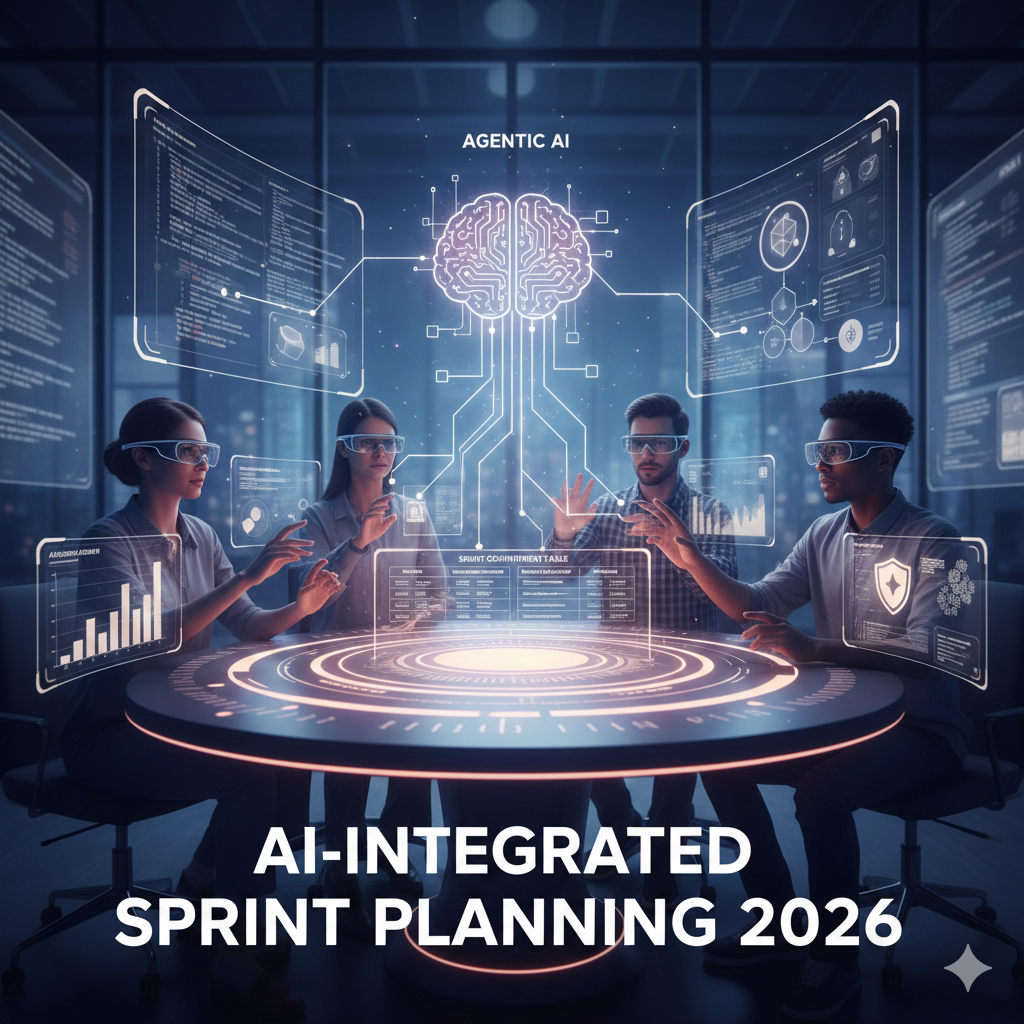
Welcome to the future of Agile: AI-integrated Sprint Planning.
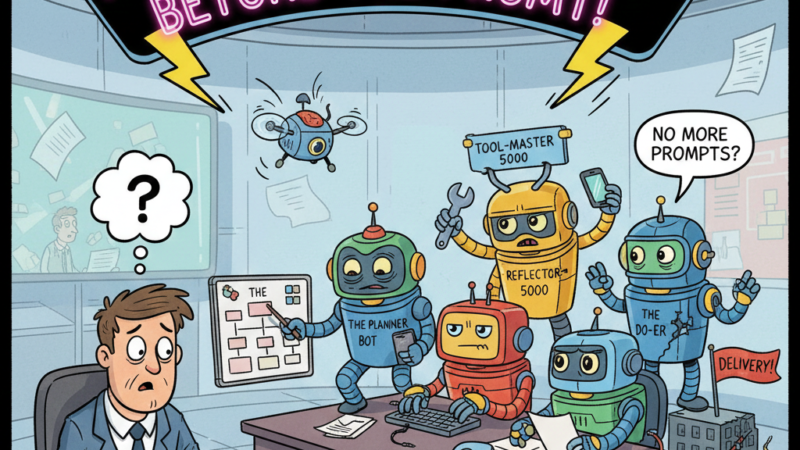
This isn’t about replacing your team; it’s about empowering them. By integrating Agentic AI into your planning process, you transform your sprint from a manual grind into a highly efficient, data-driven strategic session.
Why AI in Sprint Planning?
Think of AI as your most diligent, data-obsessed team member. It can process vast amounts of information, identify patterns, and generate drafts at lightning speed – tasks that often consume valuable human time. When AI handles the prep work and predictive analysis, your human team can concentrate on:
- Strategic Alignment: Deeply understanding the “why” behind the sprint goal.
- Creative Problem-Solving: Brainstorming innovative solutions to complex challenges.
- Human Nuance: Refining user stories, considering edge cases, and ensuring user empathy.
- Team Dynamics: Fostering collaboration, psychological safety, and shared commitment.
Let’s dive into a template that shows you how to bring this to life.
The AI-Integrated Sprint Planning Template: A Hybrid Approach
This template is designed for a Human-AI Hybrid Team, ensuring you leverage the strengths of both.
Phase 1: Pre-Planning (The “AI Agent” Prep)
To be completed by the Product Owner and AI Assistant 24 hours before the session. This is where AI truly shines, doing the heavy lifting before the team even steps into the room.
- Backlog Health Check:
- AI’s Role: The AI autonomously scans the entire product backlog. It flags user stories that are missing crucial Acceptance Criteria, appear too vague, or seem excessively large based on historical data (e.g., comparing story descriptions to past high-effort items).
- Human Benefit: The Product Owner gets a clean, prioritized backlog, reducing time spent on clarification during the actual planning session.
- Retrospective Sentiment Analysis:
- AI’s Role: The AI analyzes communication logs (Slack, Teams), previous retrospective notes, and project management tool comments. It summarizes recurring “blockers” or common pain points (e.g., “Deployment process is slow,” “API documentation is lacking”).
- Human Benefit: The team can proactively address recurring issues, potentially incorporating them into the sprint goal or identifying process improvements from the outset.
- Predictive Capacity & Velocity:
- AI’s Role: Using historical team velocity, upcoming public holidays, individual PTO, and even current technical debt ratios, the AI calculates a “Probable Velocity.” This is a far more accurate forecast than simple averages.
- Human Benefit: Realistic sprint capacity helps avoid overcommitment, leading to more predictable deliveries and improved team morale.
Phase 2: The Planning Session (Human + AI Collaboration)
This is where the team comes together, leveraging AI’s insights to make informed decisions.
- The Strategic “North Star” (15 mins):
- Human Input: The Product Owner articulates the overarching business objective for the sprint. This is the “why.”
- AI Prompt: “Based on our objective [Insert Sprint Goal], find the top 5 highest-priority items in the backlog that contribute directly to this, considering our current technical dependencies and the identified blockers from the sentiment analysis.”
- Human Benefit: Quick, data-driven identification of the most impactful stories, ensuring alignment with strategic goals.
- Rapid Task Breakdown (30 mins):
- Process: For each selected User Story, use a Generative AI tool (like a custom GPT or integrated PM tool AI) to draft granular sub-tasks.
- Example Prompt: “AI, break down ‘Implement Biometric Login’ into detailed sub-tasks for Backend, iOS development, and Quality Assurance, ensuring all our ‘Definition of Done’ criteria are met.”
- Human Review & Refinement: The human team critically reviews the AI-generated tasks. This is where their unique experience and creativity shine, adjusting for specific legacy code quirks, team-specific knowledge, or innovative solutions the AI might not consider.
- Risk Assessment (10 mins):
- AI Simulation: Run a “Pre-Mortem” analysis using AI.
- Example Prompt: “Act as a cynical Senior Developer. Review our selected Sprint Backlog and tell us 3 reasons why we might fail to meet this sprint goal, specifically highlighting inter-team dependencies or technical unknowns.”
- Human Benefit: Proactive identification of potential pitfalls, allowing the team to devise mitigation strategies before they become roadblocks.
Phase 3: The Sprint Commitment Table
This table helps visualize the hybrid nature of the work.
| User Story | Priority | Complexity (Story Pts) | AI-Assisted Tasks (e.g., boilerplate code, test case generation, documentation draft) | Human-Only Tasks (e.g., complex logic, UI/UX nuance, stakeholder review, security audit) |
| User Profile UI | High | 5 | Generate component boilerplate, draft unit tests, create basic wireframes. | Refine UI/UX based on user testing, integrate with design system, conduct A/B tests. |
| API Integration | Medium | 8 | Draft API documentation, generate schema definitions, analyze existing API endpoints for compatibility. | Develop complex business logic, perform security audit, handle error management. |
| Bug Fix #402 | Low | 2 | Scan logs for root cause analysis, propose initial code changes based on error patterns. | Implement the actual fix, verify with manual testing, deploy to production. |
Phase 4: Post-Planning Output
The AI automatically generates a Sprint Snapshot for stakeholders, summarizing key outcomes.
- Sprint Goal: (e.g., “Finalize Secure Checkout Flow by enhancing payment gateway reliability and improving user feedback mechanisms.”)
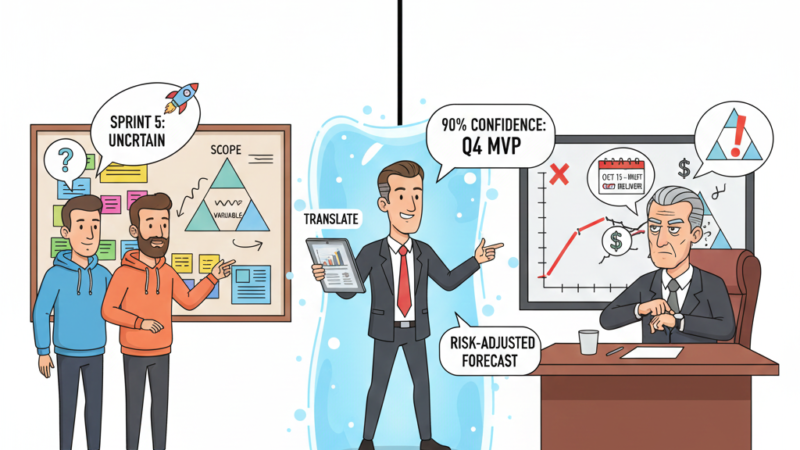
- Confidence Score: (Anonymously gathered from the team during planning, averaged and summarized by AI.)
- Resource Distribution: % of capacity allocated to New Features vs. Technical Debt vs. Maintenance/Bug Fixes.
Key Implementation Tips for Success:
- The “Human Override” is Paramount: Never let the AI set the final Story Points or make ultimate decisions. AI suggestions are a baseline; the team’s collective experience, judgment, and “gut feeling” on complexity always take precedence.
- Choose the Right Tools: Leverage existing AI plugins for your project management tools (Jira, Azure DevOps, Asana) or explore custom GPTs trained on your team’s specific “Definition of Done” (DoD) and coding standards.
- Start Small, Iterate: Don’t try to implement everything at once. Pick one or two AI-integrated steps, experiment, gather feedback, and continuously refine your process – true to Agile principles!
- Focus on Augmentation, Not Automation: The goal is to augment human intelligence and creativity, not to automate the entire planning process. The human element of collaboration, empathy, and strategic thinking remains irreplaceable.
By embracing AI in Sprint Planning, you’re not just making your sprints more efficient; you’re evolving your entire Agile practice. You’re freeing your team from the tedious, enabling them to focus on what truly matters: delivering exceptional value and continuously adapting to change. The future of Agile is collaborative, intelligent, and incredibly exciting.